
What makes a demo video work
| Rule | Why |
|---|---|
| Product on screen in under 10 seconds | Demo viewers already want to see it; an intro costs you them |
| Sample data that looks real | "Acme Inc" with real-looking channels beats empty screens |
| One job per video | "How to build a form" ranks and converts; "everything we do" does neither |
| Zoom on the click that matters | Full-screen UI is unreadable on a phone |
1. Slack: 45 seconds, simplified UI
Video: How to use Slack: your quick start guide, 0:45, about 268,000 views.
It shows a cleaned-up Slack: an "Acme Inc" workspace, channels like #announcements and #project-unicorn, a message being typed. Grey placeholder lines replace real text, so the eye goes only where the voice points.
Steal this: simplify the UI instead of showing every pixel. It also keeps the video from ageing every time the design changes.
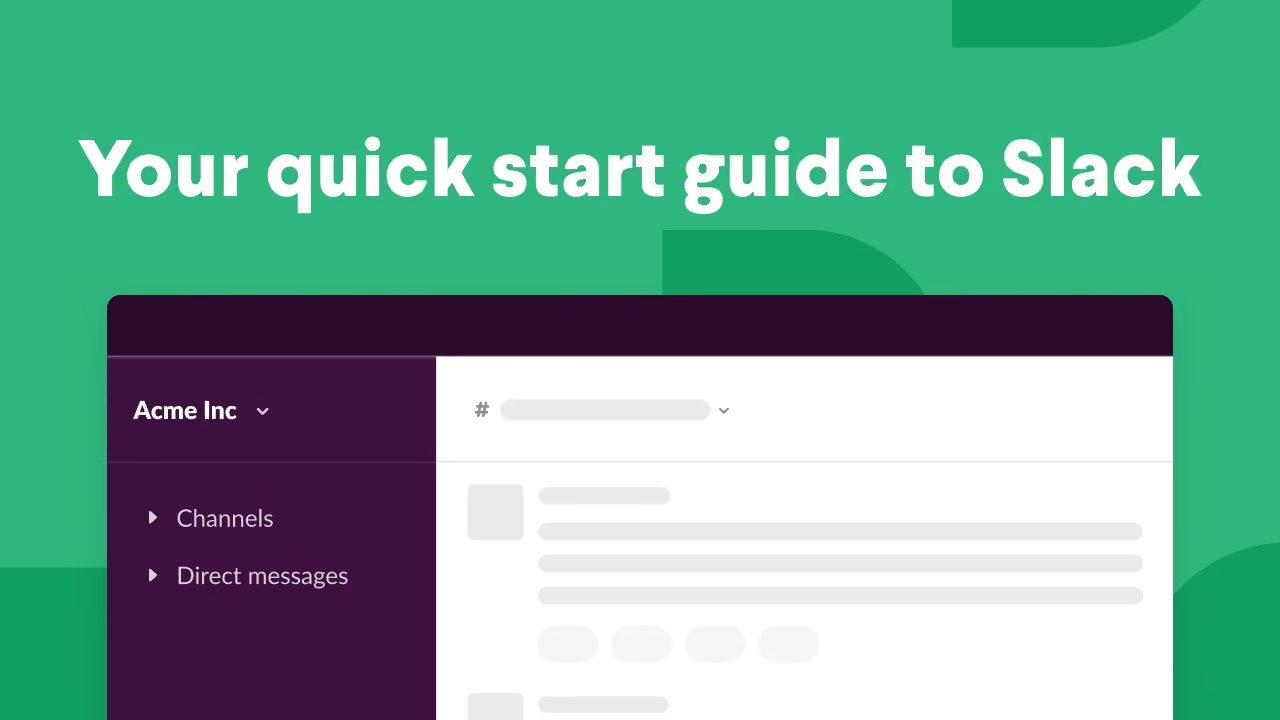 Play video: How to use Slack: your quick start guide
2. Notion: a real workspace from the first frame
Video: What is Notion, 2:34, about 1.4 million views.
It opens straight on a believable company workspace: Company Home, Tasks, Docs, Meeting Notes, Engineering. The viewer sees what their own team's Notion could look like before any feature is named.
Steal this: build a demo account that looks like your best customer's, not a test account full of "asdf".
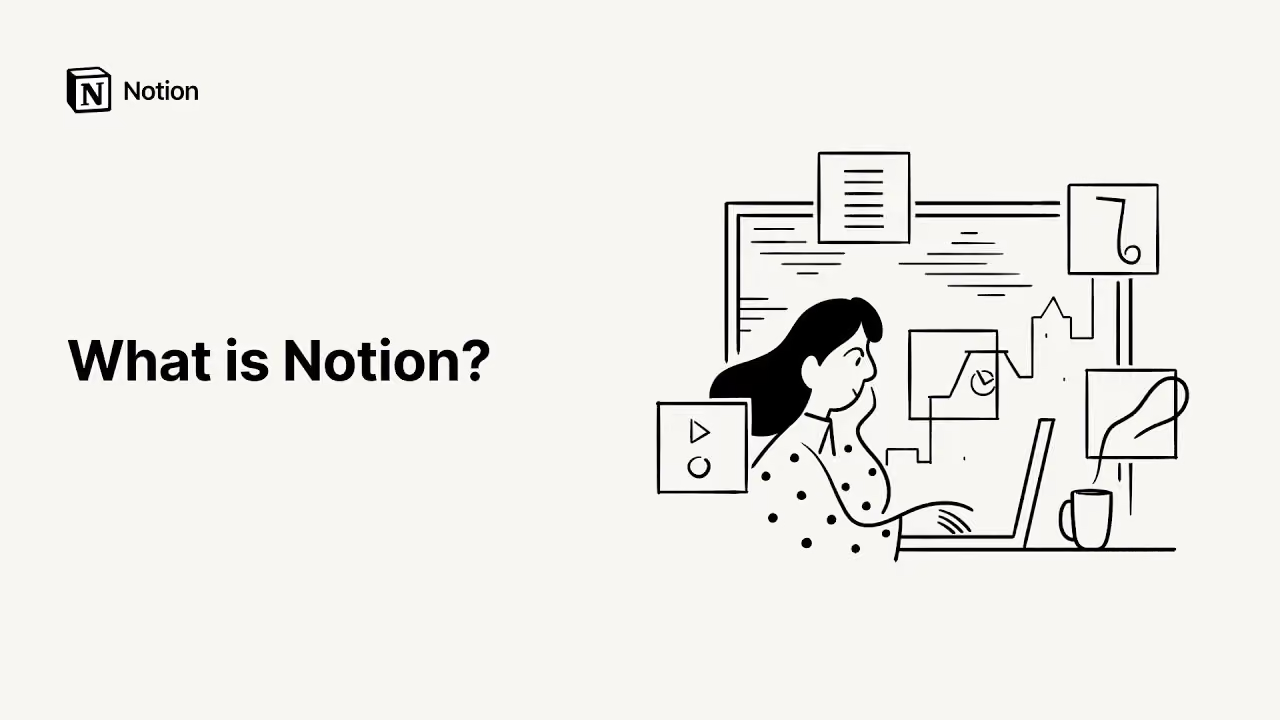 Play video: What is Notion
3. Mixpanel: the long walkthrough
Video: What is Mixpanel: Product Demo, 11:28, about 130,000 views.
A short animated opener, then real dashboards with zoom-ins on the numbers being discussed. Eleven minutes is long, but this is for people already evaluating analytics tools, the ones who would otherwise book a sales call.
Steal this: a long demo is fine when the viewer is close to buying. Zoom in on every number you talk about.
 Play video: What is Mixpanel: Product Demo
4. Zapier: a presenter plus a simplified flow
Video: Welcome to Zapier, 0:50, about 166,000 views.
A person on camera explains the idea, then a simple animation shows data moving from a form app into a spreadsheet. Zapier connects other tools, so the demo shows the connection, not Zapier's settings screens.
Steal this: if your product works between other tools, demo the outcome in those tools.
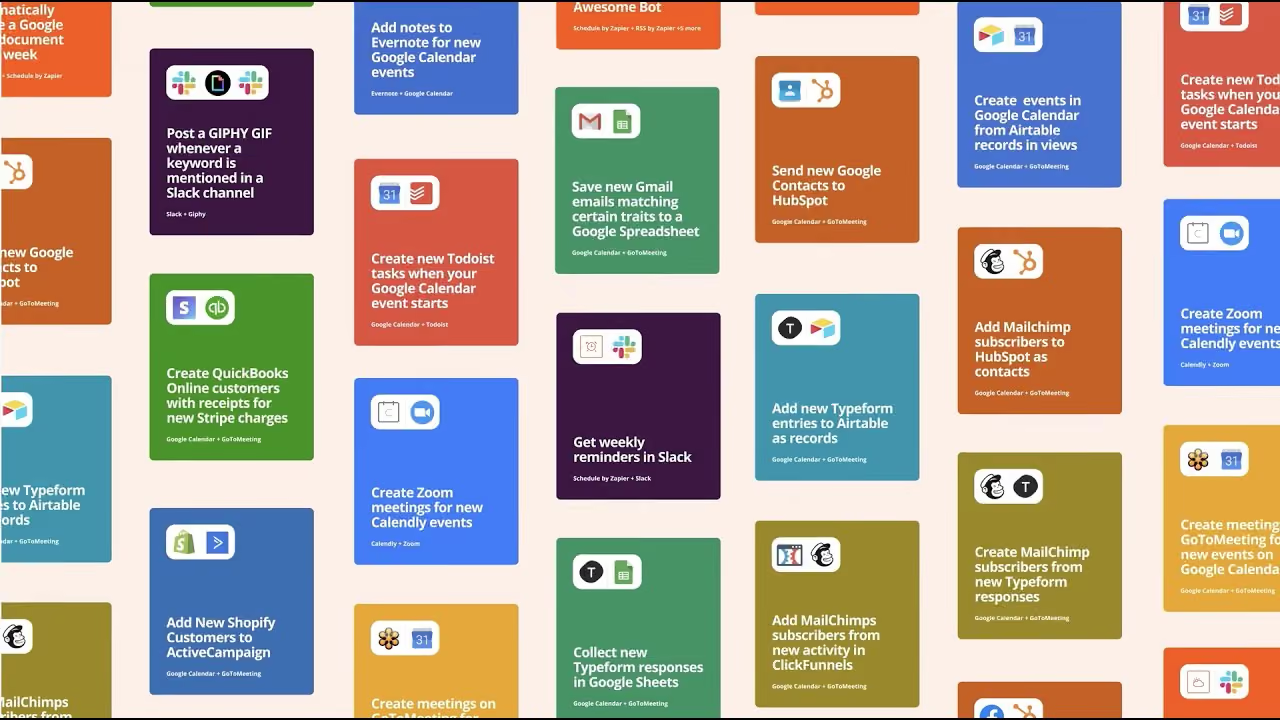 Play video: Welcome to Zapier
5. Tally: one use case, one form
Video: How to make a lead generation form, 4:50, 2025.
A Tally team member introduces herself, then builds one specific form from scratch. The title is a search query people actually type, so the video can rank for it.
Steal this: name demo videos after the job, not the feature. "How to make a lead generation form" beats "Tally form builder overview".
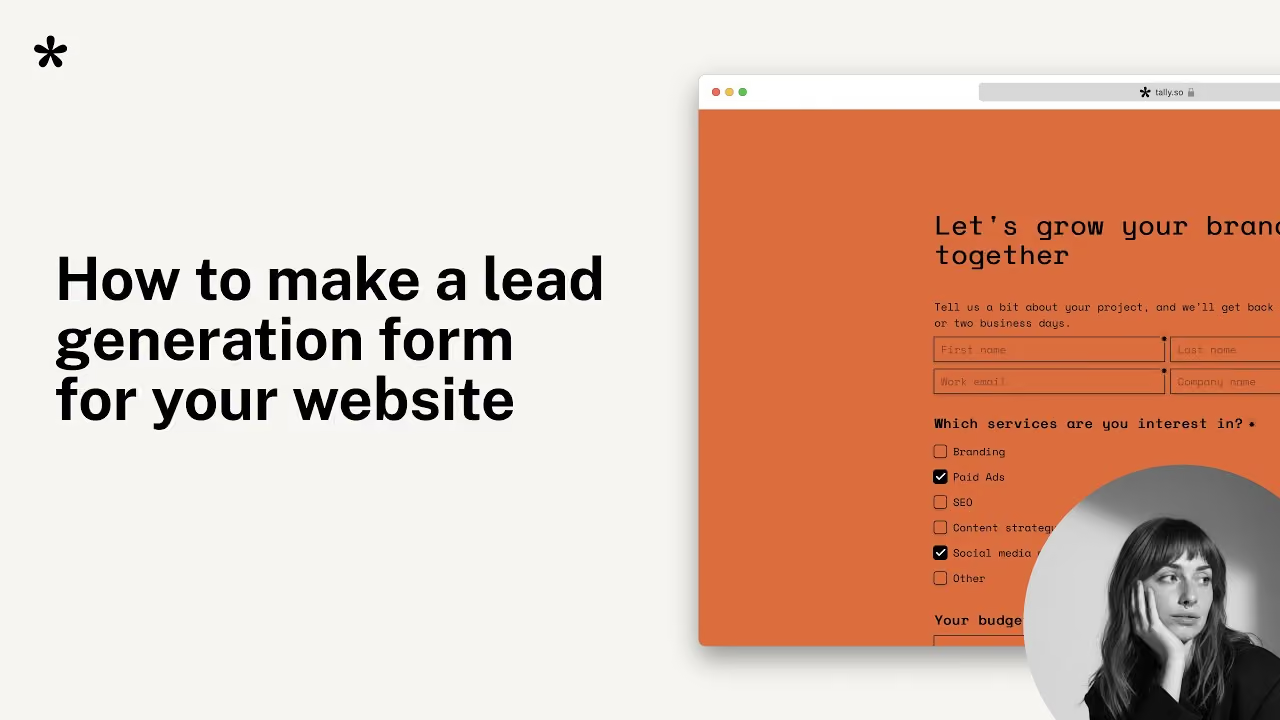 Play video: How to make a lead generation form
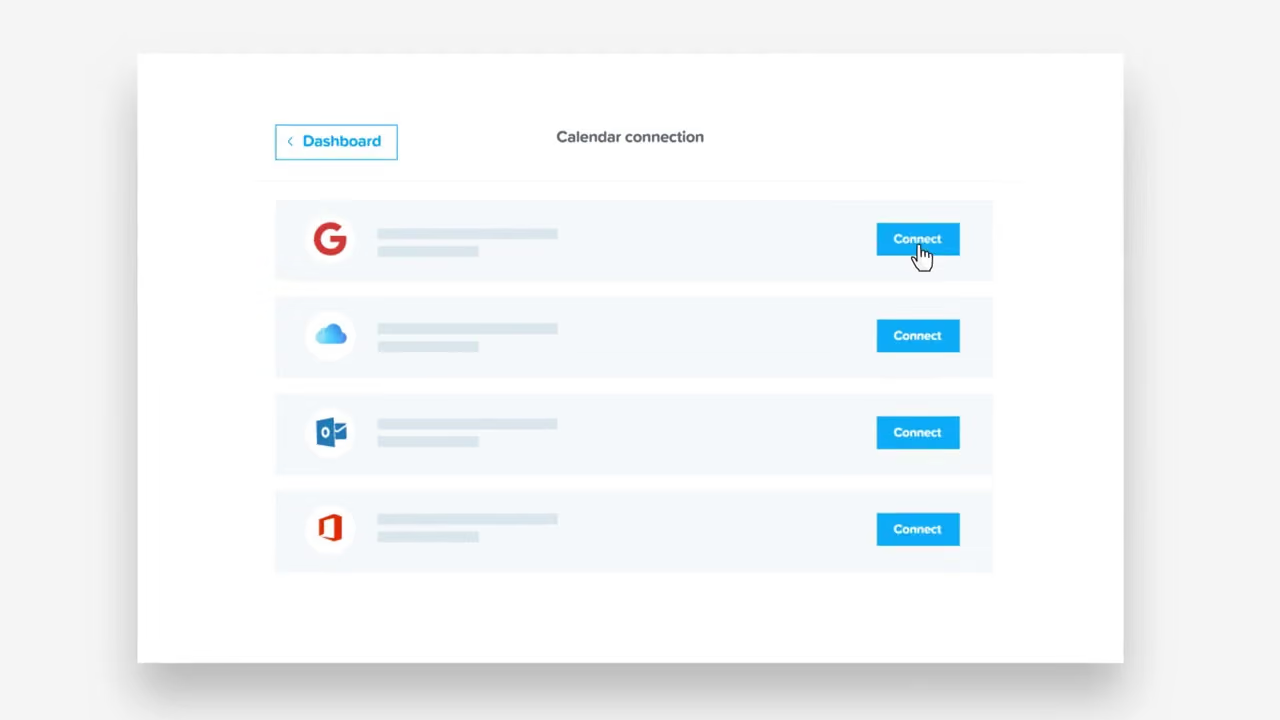
6. Calendly: the problem first, then the clicks
Video: How to Use Calendly, 1:35, about 35,000 views.
It shows the email back-and-forth over meeting times before showing a single Calendly screen. Viewers recognise the pain, then watch it disappear.
Steal this: 5 seconds of "before" makes the next 90 seconds of product feel necessary.
 Play video: How to Use Calendly
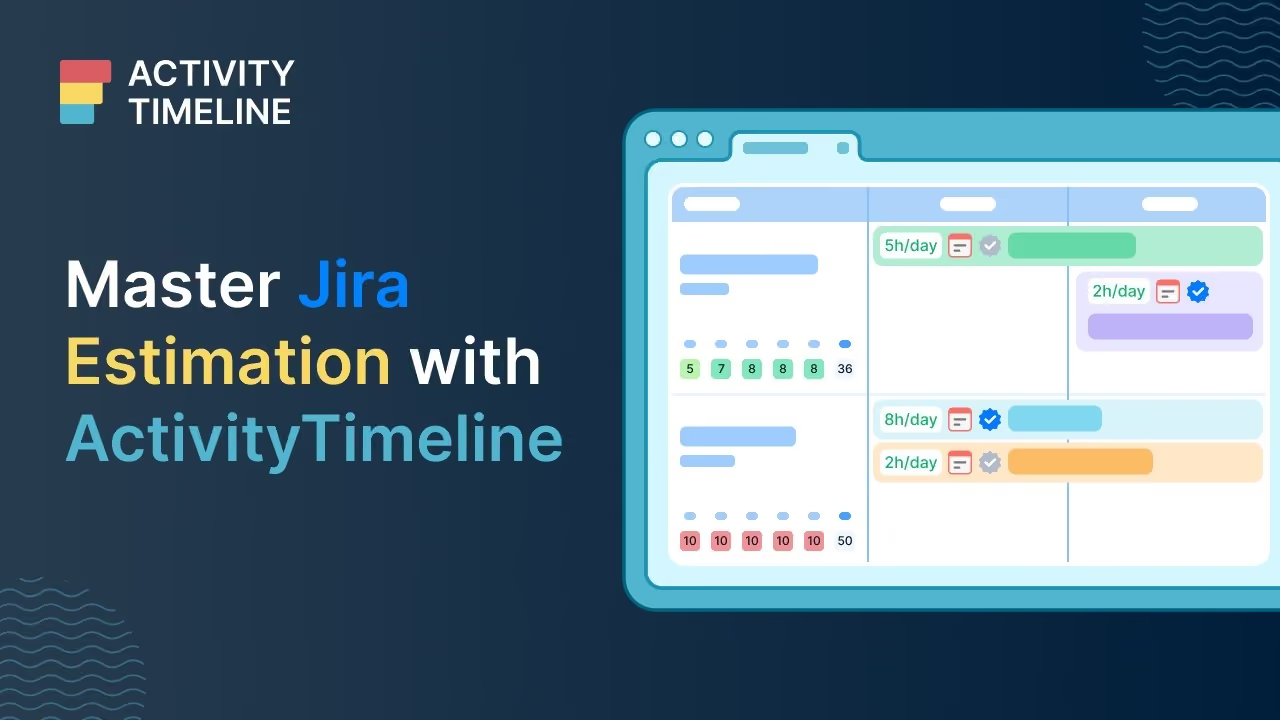
7. ActivityTimeline: a 2-second logo, then Jira (ours)
Video: Jira task estimation and workload management, 1:39, 2026. We produced it.
A two-second logo sting, then the real ActivityTimeline interface inside Jira for the rest of the video. Each video in this series answers one question Jira users search for. Across the tutorials we made, average click-through rate is 6.26%, and the channel has passed 370K views.
Steal this: a series of short, search-shaped demos beats one big overview. More in the ActivityTimeline case study.
 Play video: Jira task estimation and workload management with ActivityTimeline
What to show in the first 10 seconds
From the seven above and our own demos:
- Seconds 0 to 2: logo or nothing. Never a 10-second intro.
- Seconds 2 to 5: the problem or the outcome, in one line of voice-over.
- Seconds 5 to 10: the real product, already showing believable data.
If someone stops watching at second 10, they should still know what the product does and what it looks like.
Demo, explainer or both?
A demo shows the clicks to people who are already interested. An explainer sells the idea to people who are not yet. Most SaaS teams need one explainer at the top of the funnel and a series of short demos below it. See product demo video production or price an explainer.